

UDiBar provides one dedicated Administrator account for system control and approval management.
There is no limit on the number of "User" or "Super User" accounts. A single license can therefore support unlimited users, enabling multiple team members across different workstations within the same local network to collaborate under one centralized UDI database. This structure maintains control through the Administrator role while providing scalability for growing teams.
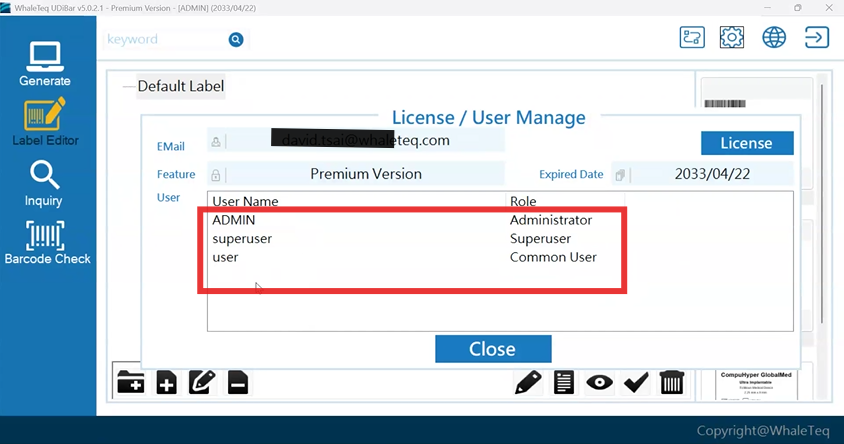
Super user and user.
Installed locally.
UDiBar supports printing through the standard Windows printer driver, allowing compatibility with most printers recognized by the Windows operating system.
In addition, UDiBar provides native driver support for the following industrial label printer brands:
- Argox
- Domino
- Zebra
These native drivers enable more precise control and optimized performance for label printing. Other printer models can still be used via the Windows universal driver, ensuring flexibility while maintaining broad hardware compatibility.
English, Traditional Chinese and Simplified Chinese.
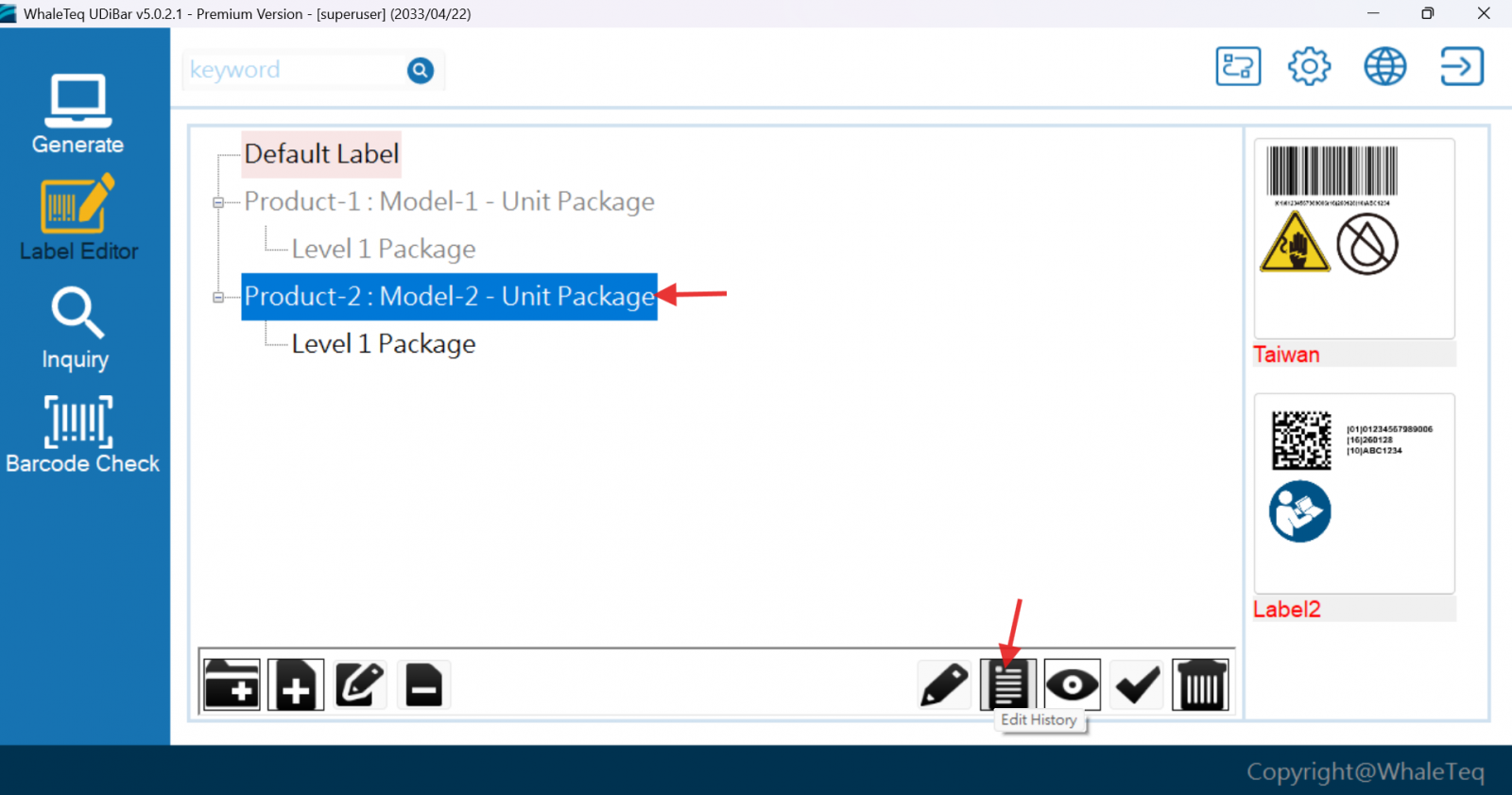
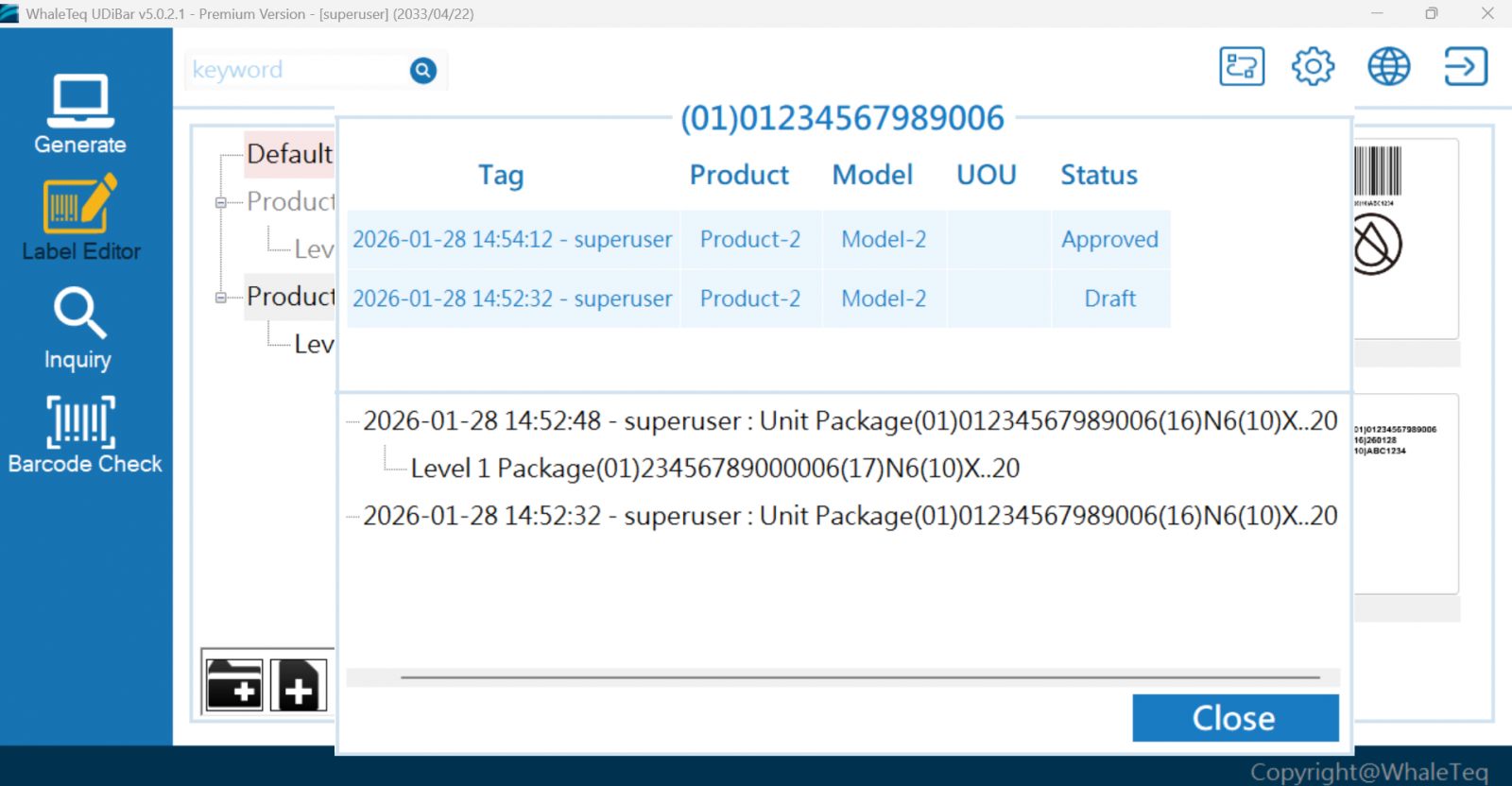
Yes. You may check the label history to track who and what modifications were made.
Yes. UDiBar records the complete printing history for every label. Through the inquiry function, you can review all printing records, including:
- Who performed the print
- When the label was printed (date and time)
UDiBar facilitates compliance with MDR 2017/745 UDI requirements by providing functions such as UDI coding, label design/printing with traceability audit trails, and managing audit history—features that help manufacturers meet MDR expectations.
The compliance obligation under MDR ultimately falls on the medical device manufacturer, not the software vendor. The manufacturer must demonstrate that their tooling and processes satisfy MDR's UDI requirements as part of their technical documentation.
Yes, WhaleTeq provides the software V&V report for UDiBar.
UDI Coding -> UDI Label Design -> UDI Label Printing -> UDI Label Inspection
This closed-loop workflow ensures that every step—from data creation to physical label output—is controlled, auditable, and compliant with ISO 13485 and UDI regulations, minimizing human error while maintaining full traceability.